Guide › Race season
Race season
Races and Coach
Before a race: what you could run and whether the build-up is on track. After it: how it went, how it compares with every race before, and when to train hard again.
The Races tab
Where you stand for the next race, and how every race went.
- Next race: the countdown, your goal, the time your training predicts and the gap between them: To find, or Ahead when training already beats the goal.
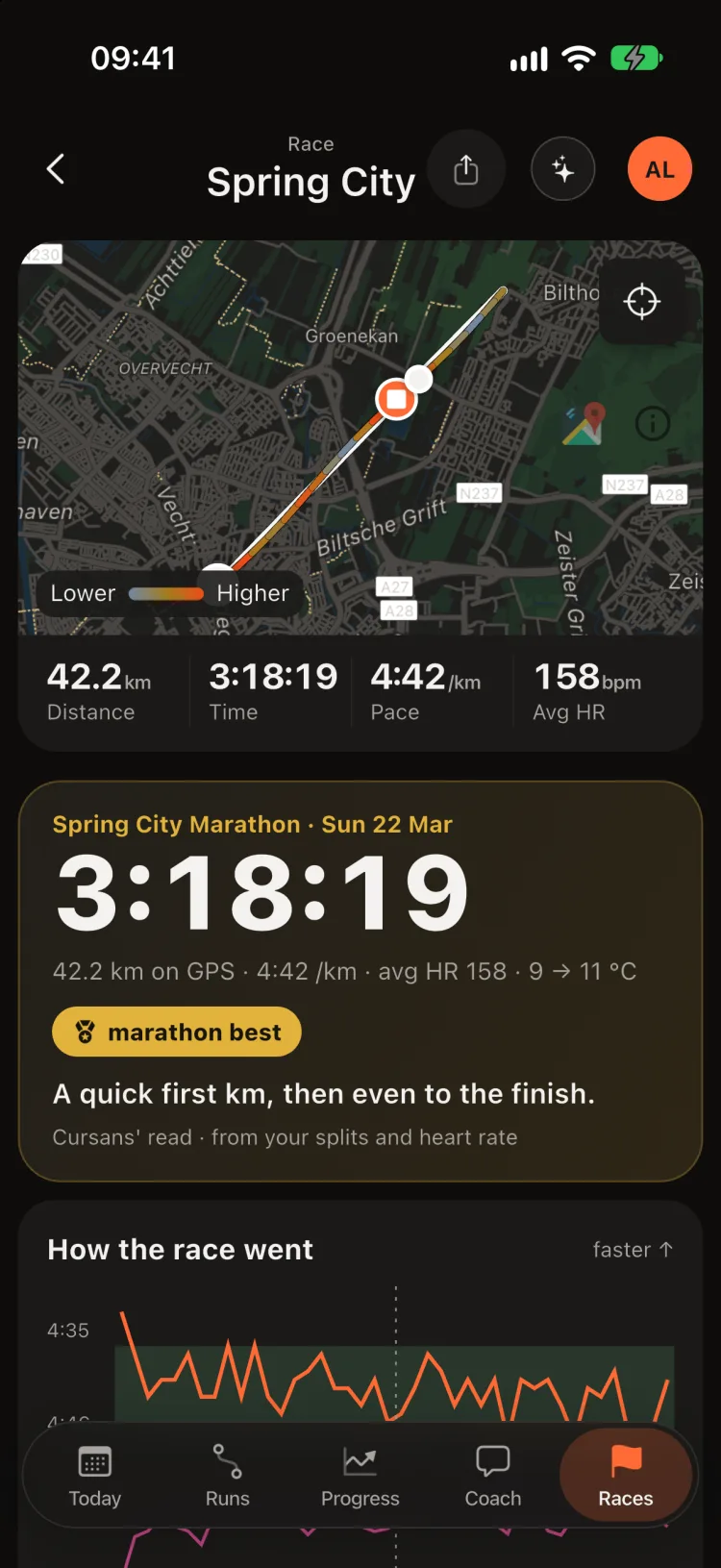
- Latest race: the result, what stood out and the recovery days left.
- Your distances: 5K to marathon, each in its own colour. The prediction names the run it comes from and sits beside your best raced time. Tap one for its likely range.
A prediction you can trace to one run, next to a result you actually ran, is one you can judge yourself.
Building up to a race
Seven weeks out: what to keep, and what to adjust.
- Add the race once: name, date, distance and goal time. Edit changes or removes it.
- On track? Long runs, kilometres at goal pace, durability on your longest run, and the prediction against the goal, each marked Keep, Adjust or Check. Tap a line for the runs behind it.
- Weekly km: what you ran against what your plan sets, through race week. In the last three weeks it becomes the taper check, with your form beside it.
- Race-day plan: 5 km splits at goal pace, adjusted for heat once the race-morning forecast is out.
- Race fuel plan (Plan your race fuel, once the race has a goal time): about how much carbohydrate the race burns an hour at your goal pace, the intake the evidence advises for its length (Jeukendrup 2014; Thomas, Erdman & Burke 2016), your own gel size and a schedule. Practise it on your long runs first.
Cursans does not write the taper; your coach or plan does. Cursans reads your runs against the race and shows whether you are following it.
Valencia here is an example race added for this guide; everything else is real data.
Every race, by distance
Your marathons together, your 10Ks together.
- Grouped by distance, newest first. A trophy marks the fastest raced result at each distance.
- A race run as training, with heart rate well below your usual race effort, is marked not raced and kept out of your bests.
- Missing a race? Which of these were races? lists likely races in one go, or tick Race on any run's page.
- A time trial inside a longer session is timed on its own distance, not the whole run.
- Tap a race for its page: km by km, both halves, heart rate and recovery. Compare › puts every race at that distance side by side.
Compare your marathons
Every marathon you have run on one chart, km by km. See where each one turned.
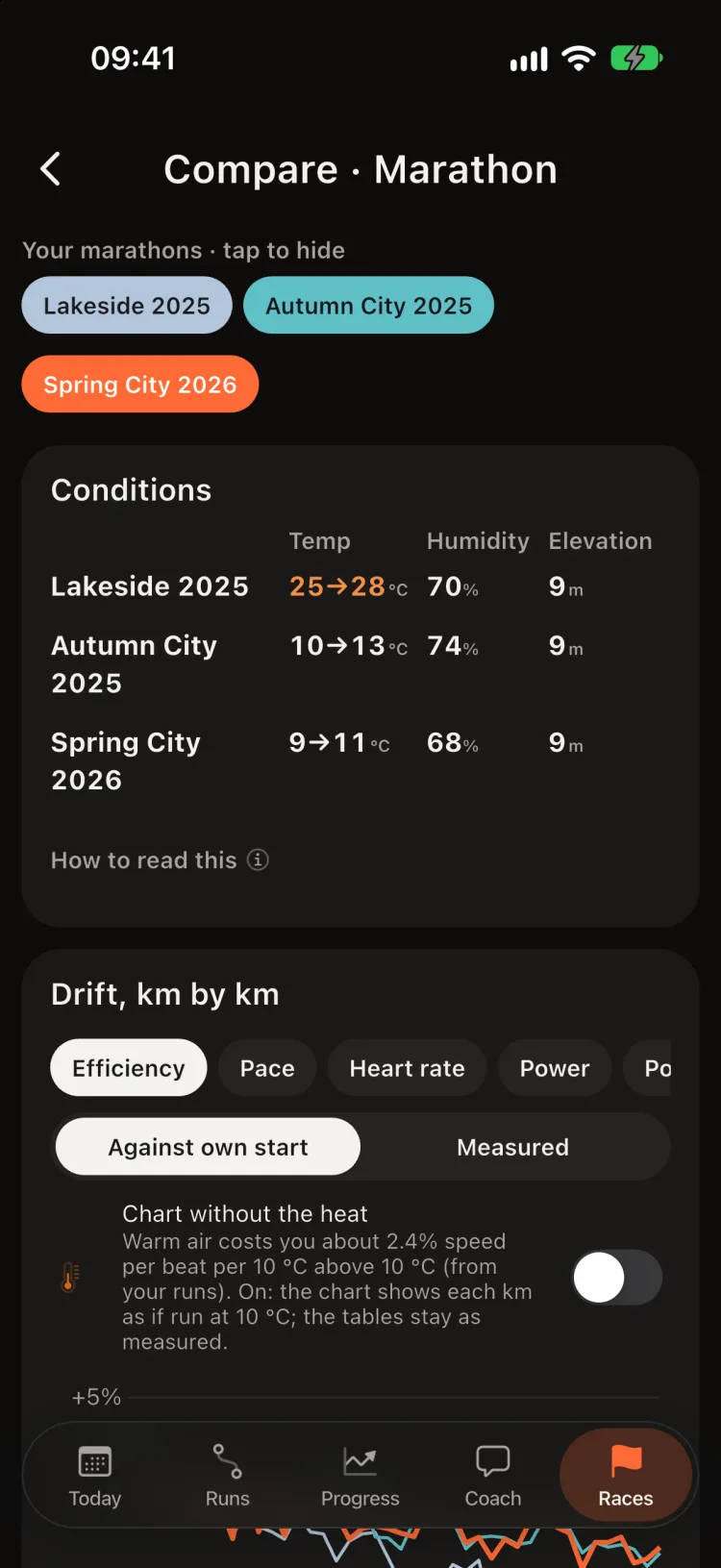
- Efficiency: speed per heartbeat, each race against its own early km, so every line starts at zero and a fall is drift, not a slower plan. Switch to pace, heart rate or power.
- Chart without the heat (off by default): redraws each km as if run at your own reference temperature, using what heat costs you, learned from your own runs, so a hot race and a cool one can be compared on the chart. It changes the chart only: every verdict reads the races as run.
- Conditions: temperature at the start and the finish, humidity and the course's elevation range.
- How each race drifted: Heart-rate drift, where drift starts, heart-rate rise and pace fade for every race in one table.
- Tap a race's chip to hide it. Open it from Races (Compare ›) or from any race page.
The line that stays flat longest is the race that held its efficiency best. When the newest one falls least, that is durability built over seasons, not a lucky day, and it is what to protect in the next build-up.
After a race
- What limits your marathon: your marathon pace as a share of your critical speed, against what runners of your finish time hold. It says whether staying power or the engine is where the time is, and about how many minutes it is worth (Smyth & Muniz-Pumares 2020; Joyner & Coyle 2008).
- Critical speed: the fastest pace you can sustain for a long time, estimated from your fastest efforts in recent training (Smyth & Muniz-Pumares 2020).
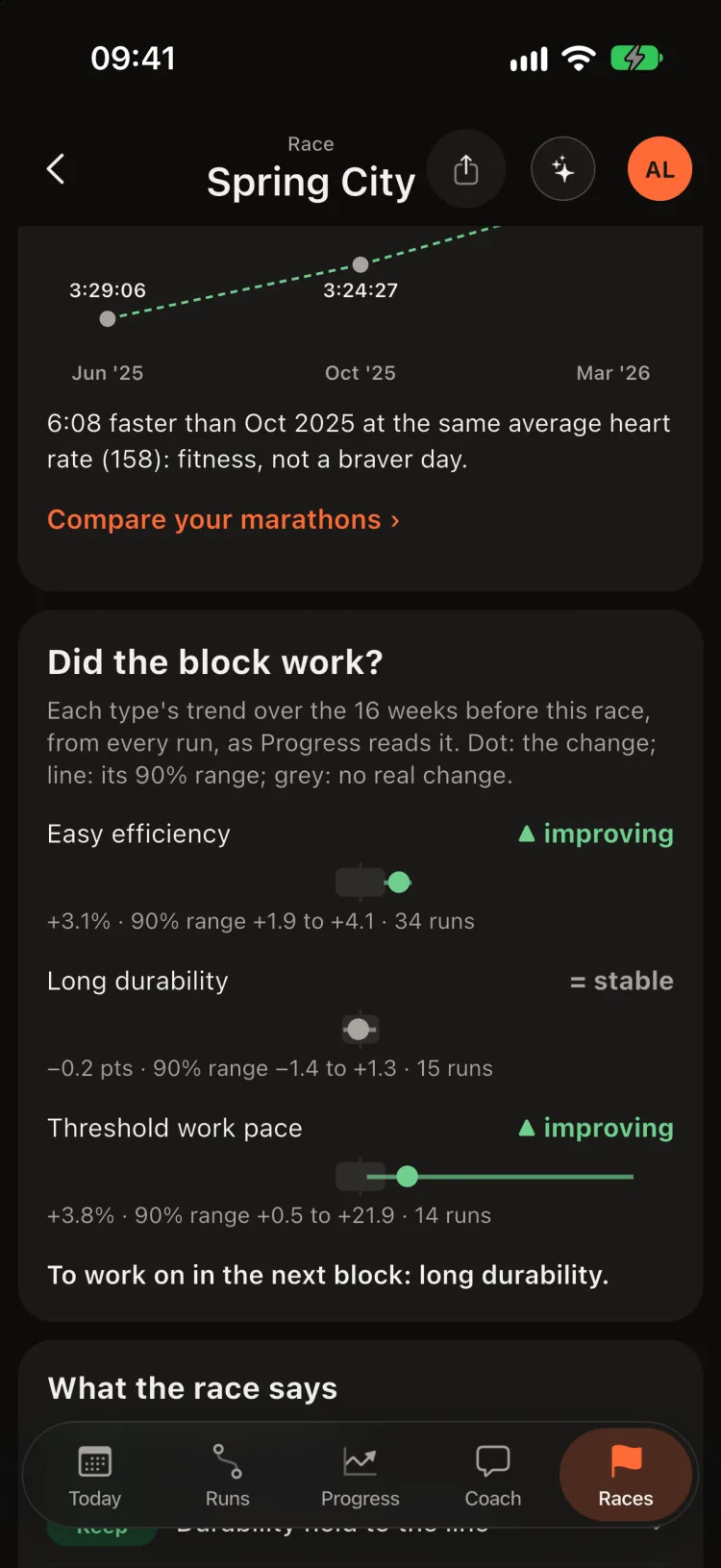
- Did the block work?, on a goal race's page: each workout type's trend over the block that led to the race, as Progress reads it, with its likely range against “no real change”, and the first type to work on in the next block. Runs without a type yet are named.
- Carbohydrate in the race: note what you took on the race's Fuel card and it is read against the 60–90 g an hour the evidence supports for long races (Jeukendrup 2014).
Coach
Ask about your training in your own words.
- The box at the top shows what Sans reads (here, your whole history). Answers bring the app's own cards with them.
- On any page, ✦ turns on Coach mode: each card says what it means, with your own numbers.
- Suggestions follow the moment: after a race, about recovery and your next race.
- Answers come from Apple's on-device model and your own numbers, and stay on your iPhone. History keeps your conversations.
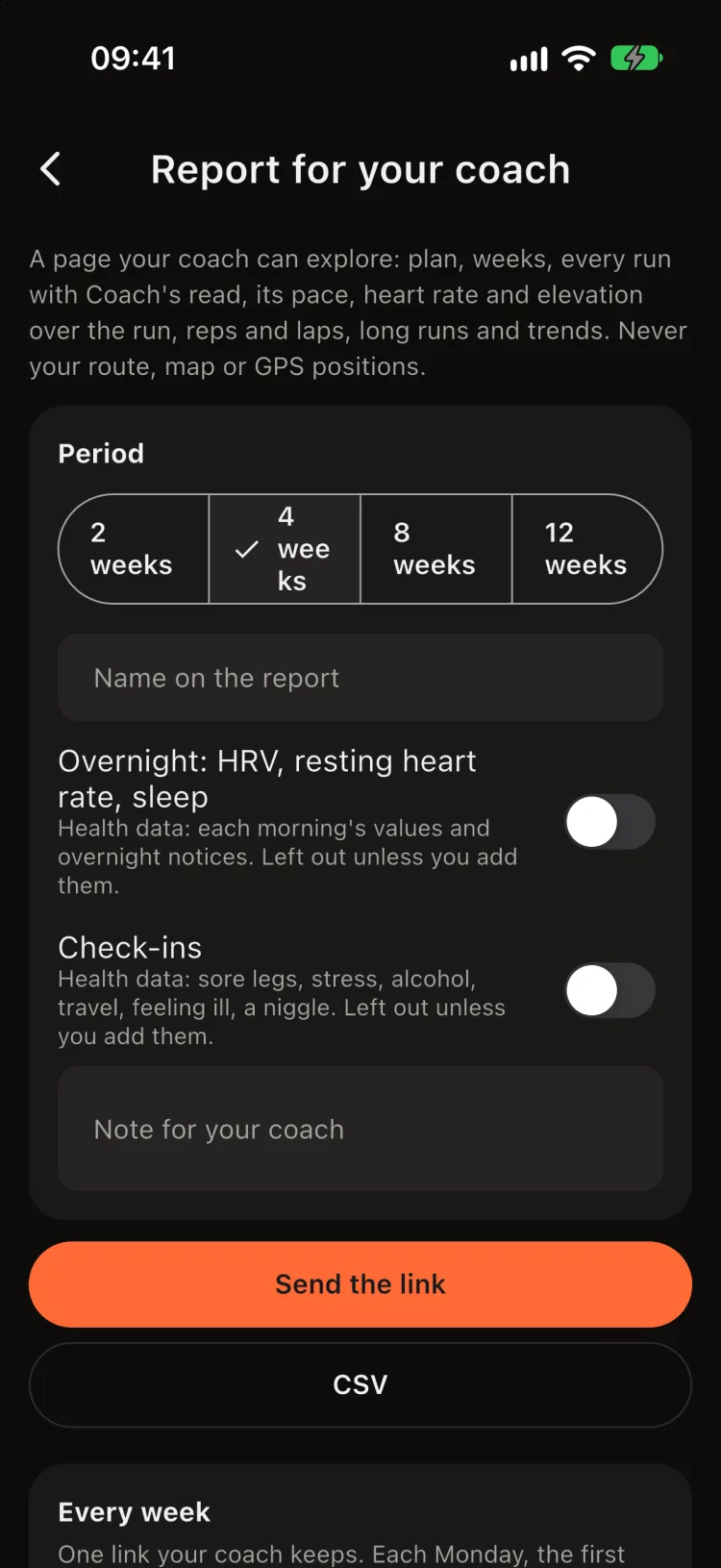
Report for your coach
A page your coach can explore: your plan, weeks, every run with Coach's read, its pace, heart rate and elevation over the run, reps and laps, long runs and trends. Never your route, map or GPS positions. Open it from Settings › Report for your coach.
- Pick the period, the name on the report and a note, then Send the link, or make a PDF or CSV that stays on your phone until you send it.
- Every week: one link your coach keeps, updated once a week.
- Two switches, both off by default, add health data only if you turn them on: Overnight: HRV, resting heart rate, sleep, and Check-ins. Sending the report with either on is your explicit consent to share that health data with your coach.
- A link ends after 30 days and can be withdrawn at any time (Withdraw, or Stop and withdraw for the weekly one). It is not listed anywhere.