Guide › When you wonder
When you wonder
Words, settings and your data
What each verdict and mark means, the settings worth knowing, and where your data lives.
What the words and marks mean
- ▲ Improving / ▼ Declining: the change is larger than your normal run-to-run variation and the trend is clear. Never shown by colour alone.
- = Stable: any change is within normal variation.
- Unclear: the runs are too scattered to tell. Too few runs: under 6 runs over 3 weeks.
- Your usual: your median for the same workout type over the 24 weeks before.
- Faster / Slower trend: a pace that is shown but not judged, because it depends on what the session asked for.
- Keep / Adjust / Check: what to carry on, what to change, and what to look at (a setting or a recording), in the Training check and a race's read.
- Heart-rate drift: how much less speed each heartbeat bought in the second half than in the first. Up to 5% is steady (Friel 2009).
- Drift by the end: on long runs, how much more heart rate each km/h cost at the end than at the start; a separate measure from Heart-rate drift, shown in the long-run trend details in Progress and the late-drift card. Where drift starts: the point after which heart rate climbs for good (Smyth et al. 2022).
- Durability: how well your efficiency holds late in a run or a set of reps.
- Heat-adjusted: a chart drawn as if the runs were at your reference temperature, once your own runs show how heat affects you. Only a chart switch: verdicts always read runs as measured.
- A run's type: every run gets one. When Cursans is not sure, Today's One question card asks you once; you can also change the type on the run's page.
- Race fitness: the fitness your best recent effort implies (Daniels' VDOT). Aerobic fitness comes from heart rate across all your runs.
- Recovering: the days after a race, 14 after a marathon, 7 after a half, 3 after a shorter race.
Every explainer in the app links to All terms: each word in plain language first, then how it is worked out and its source. Rules that are Cursans' own choices are marked as such.
Settings worth knowing
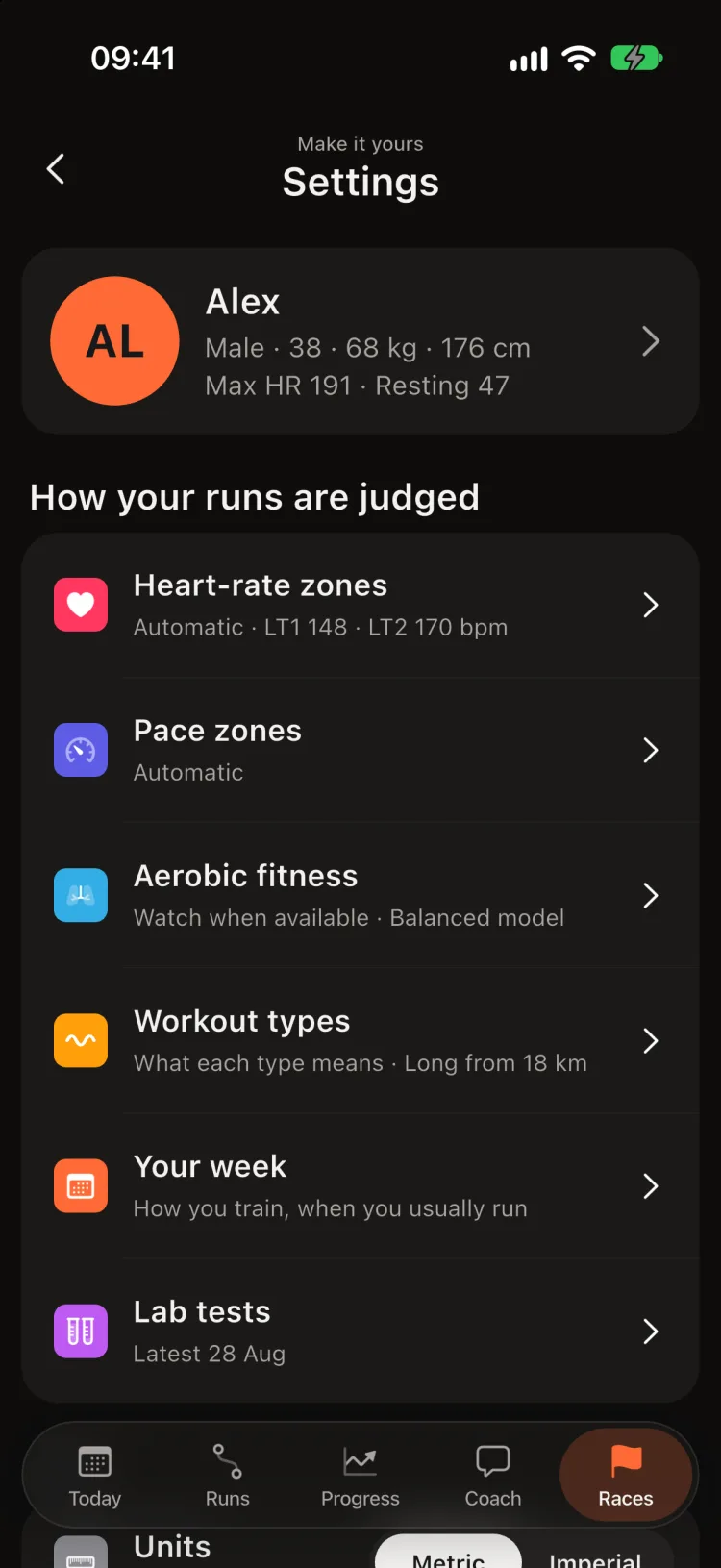
- Heart-rate zones: automatic from your runs, or set by you or a lab test.
- Units: kilometres or miles.
- Monday recap notification: your week in one line on Monday morning; on by default.
- Connections: sources, Get runs from my watch now, your plan calendar, and duplicate copies to review.
- Workout types › Long-run setting: when a run is a long run for you. Runs over it count as Long, whatever their pace; types you set yourself stay.
- Two rough mornings: one notification when HRV, resting heart rate or sleep are off your range two mornings in a row with no hard run behind it.
- Widgets: Lock Screen, Home Screen and Control Center, with the exact taps.
- Report for your coach: a link or CSV for your coach (more).
- How colours are decided: every colour rule in the app, with its cut-off (read it here).
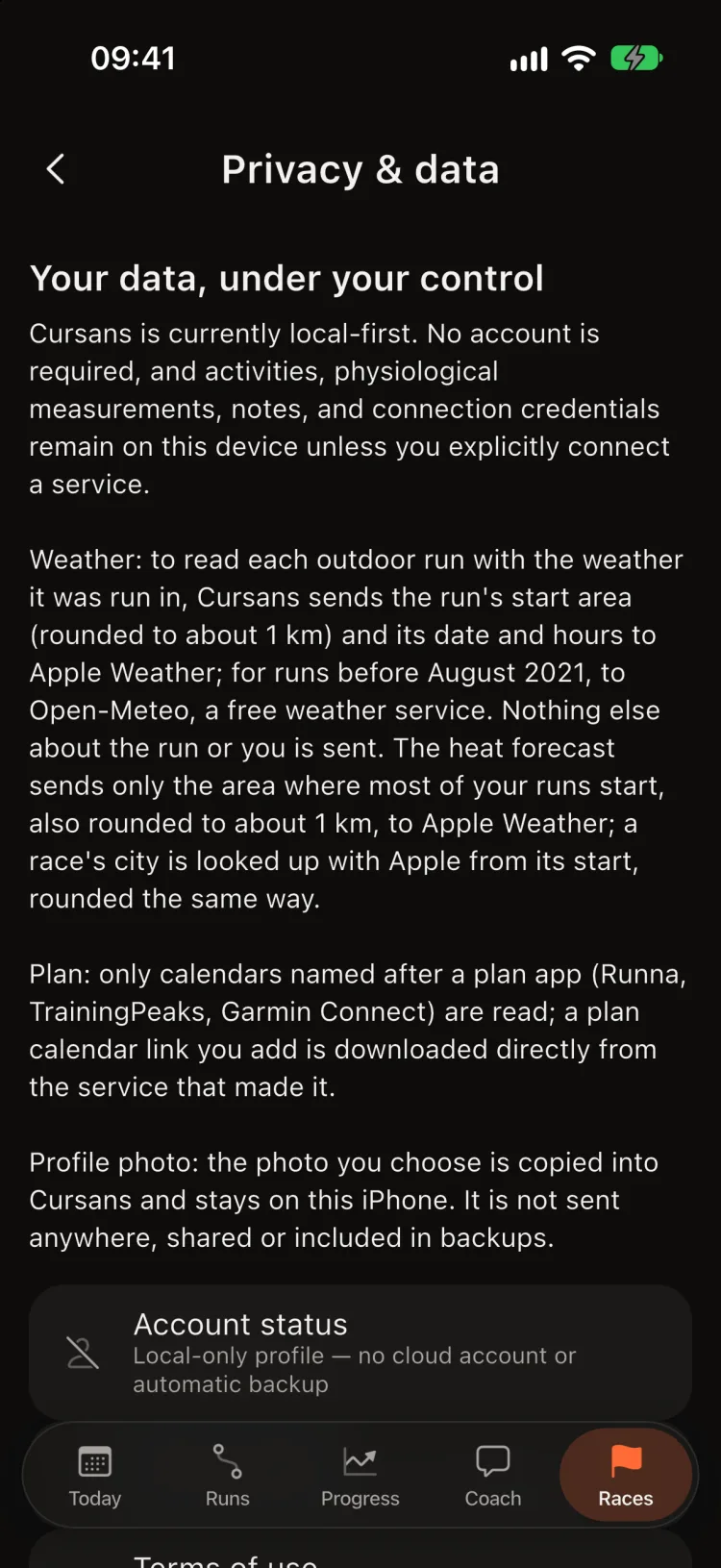
Your data
Your runs and health data stay on your iPhone. Cursans has no account, and the coach runs on the phone too. Only what you choose to share leaves it: a report for your coach (a link that ends after 30 days) or an export. Connecting Polar or COROS passes through a short sign-in helper that keeps nothing. Settings › Privacy & data › Delete all local data removes everything. Read the full privacy policy.